How can you write professional
invoices more easily and quickly?
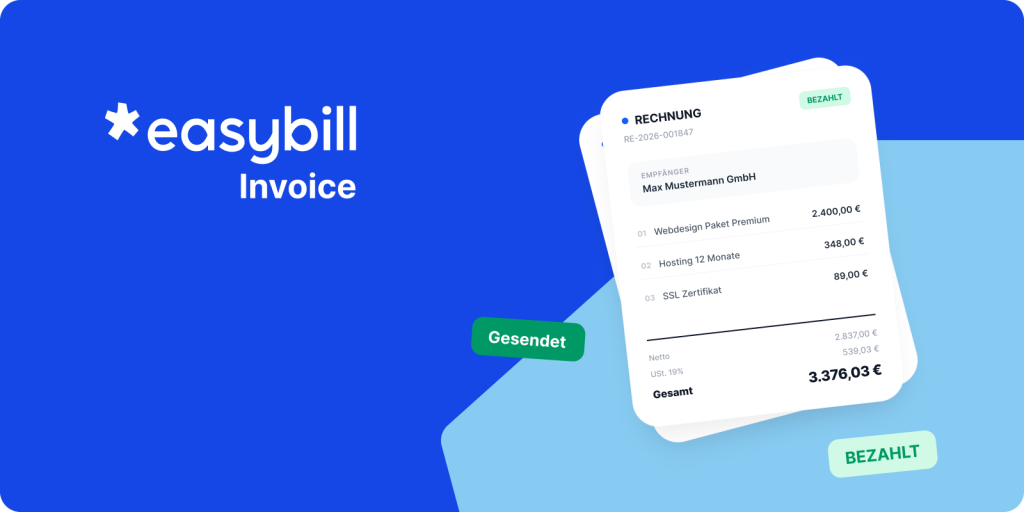
With easybill Invoice, you create quotes, invoices, and e-invoices automatically,
legally compliant, and in just a few clicks—including dunning and document management.
Why do quotes and invoices
take so much time?
Many self-employed people and companies work with Word templates, Excel spreadsheets, or isolated tools. Documents are created, checked, sent, and archived manually. That takes time and increases the risk of errors.
There are also legal requirements such as GoBD, mandatory information, or the obligation to receive and send e-invoices. Anyone who works sloppily here risks queries or problems in accounting.
Companies that are growing quickly reach their limits. More customers mean more documents—but not automatically more capacity in the back office. That’s exactly where easybill Invoice comes in.

Over 80,000 companies use easybill Invoice every day.
Manual invoicing processes
cost time and margin

Up to 30% of working time in small businesses goes to
administration and accounting.

Every 5th invoice
is paid late
when information is missing or
processes are manual.

Up to 50% less
time spent per document
thanks to templates, automatic data transfer, and structured processes.

Invoicing software for your business
With easybill Invoice, you can create quotes, invoices, and e-invoices efficiently and legally compliant.
75%
Less admin
work
thanks to automated document creation and structured processes instead of Word and Excel templates.
100%
Legally compliant documents
with all mandatory details as well as e-invoicing formats such as XRechnung and ZUGFeRD.
50%
Faster payment
receipts
thanks to a transparent overview of open items, a payment link on invoices, and automated dunning.
0%
Paper chaos
thanks to GoBD-compliant archiving and structured transfer to your tax advisor via DATEV export.
How easybill Invoice works
With vs. without easybill Invoice
Invoice management comparison – How much effort do you really save?
Manual effort
Without automation
- Invoices & quotes with Word or Excel
- Manually check mandatory details
- External tools for e-invoicing
- Send payment reminders manually
- Paper chaos in accounting
- Send receipts to the tax advisor via email or paper
Recommended
easybill Invoice
- Templates with automatic data transfer
- Mandatory details automatically fulfilled
- E-invoicing (e.g. XRechnung & ZUGFeRD) integrated
- Automatic payment reminders & dunning notices
- GoBD-compliant archiving
- DATEV export & structured data transfer to the tax advisor

Florian Fischer
Immoportal.com Verlags GmbH
“We need software that captures complex processes and presents them transparently. easybill is a tool that we now use for our entire invoicing process.”
74%
Less administrative effort
50%
Faster payments
How to optimize your
invoice management
in 5 clear steps
-
Manage customers & items
Enter data
Enter all customers, required details, tax rates, and bank details once. easybill automatically ensures correct documents.
-
Quotes & invoices
Create and send quotes and invoices professionally
Use custom templates and create documents in just a few clicks – including e-invoicing.
-
Keep an eye on cash flow
Monitor payments
Keep track of outstanding and paid invoices at all times. easybill clearly shows you which payments have been received and where action is needed.
-
Payment reminders & dunning notices
Automate dunning
Payment reminders and dunning notices are automatically created and sent when needed.
-
Collaboration with your tax advisor
Provide structured data to your tax advisor
Export your accounting data via the DATEV interface or standardized export. Your tax advisor receives clean, prepared documents without follow-up questions.
Put an end to
manual invoicing processes
Rely on the e-invoicing expert now! Get started with easybill Invoice and automate
your quotes, invoices, and dunning notices.
Free
The free solution to help you start your own business.
Free
/permanently
Free
/permanently
Features:
- 50 quotes, orders, invoices (including e-invoices), and delivery notes per month
- Tax advisor access
- 1 account
- Manage 3 contacts
- Personal onboarding
- DATEV, Lexware Office, debt collection interface
Starter
Great for startups and growing businesses.
€ 12
/per month
€ 9
/per month
billed yearly
All features from Free, plus:
- Up to 250 quotes, orders, invoices (including e-invoices), and delivery notes per month
- Manage 20 contacts
- Custom letterhead & layouts
- Document entry (with AI)
- Digital signatures for documents
Popular
Professional
The top seller for all industries, including e-commerce start-ups.
€ 39
/per month
€ 25
/per month
billed yearly
All features from Starter, plus:
- Unlimited customers
- Recurring documents
- No email branding
- Cloud backup
- Shipping management
- Free design package
Premium
Customizable
45€
per month
37€
per month
For large companies with specific needs. Customized solutions for your business.
- Automated dunning
- Project management & time tracking
- Additional team members
Frequently Asked Questions & Answers
Everything you need to know about switching and e-invoicing.
easybill Invoice is GoBD-compliant. All documents are archived in an audit-proof manner and meet the legal requirements.
Yes, easybill Invoice supports DATEV. You can provide your data to your tax advisor in a structured way via DATEV export. This reduces follow-up questions and saves coordination effort.
With easybill, your data is in the best hands. Your data is stored exclusively on servers in Germany and protected by modern encryption standards . As an additional safeguard, two-factor authentication (2FA) is available.
If desired, your tax advisor can access structured reports and exports in your easybill account. Collaboration becomes significantly more efficient.
Yes, easybill supports receiving and sending e-invoices in all common formats, including XRechnung and ZUGFeRD.
Yes, easybill is also designed to meet the needs of self-employed professionals, SMEs, and growing businesses.