
Shipping status of all carriers directly in easybill
No more switching between DHL, Hermes and DPD portals. View the current shipment status for every order and filter by 7 action-oriented categories. Powered by PAQATO – at no extra cost in Premium and Professional.
Over 20,000 customers are already automating their day-to-day business.




Your benefits with easybill Connect
All carriers in one place
DHL, DPD, Hermes, GLS and UPS – no matter which shipping service provider, the status lands directly in easybill. No more carrier hopping.
Identify problems earlier
Filter by “Delivery not possible” or “Delivery delayed” and act before your customer complains.
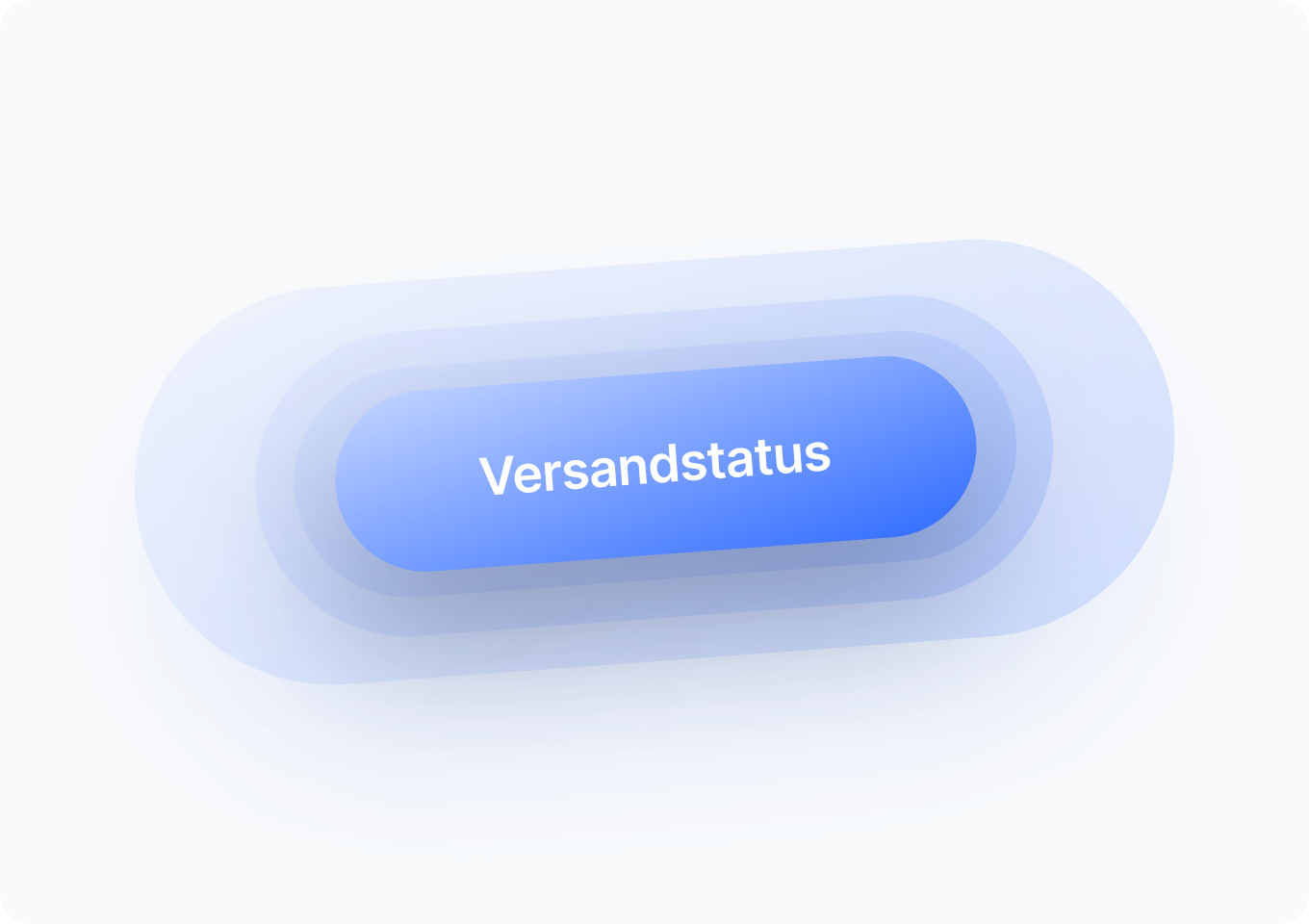
7 filters instead of 59 individual statuses
We bundle the carriers’ cryptic detailed statuses into 7 clear categories. You can immediately see whether a parcel is in transit, ready for pickup, or problematic.
Activation in one click
No separate account, no API setup. One click in the easybill settings – done.
No additional costs
Shipping tracking is part of your Premium or Professional package. No extra fees per shipment or status query.
International too
International shipments are captured and categorized just like domestic ones.
Shipping status for every order at a glance
You open an order and immediately see where the parcel is right now. No copying tracking numbers, no opening carrier portals. The current status is displayed right next to the order.
- Automatic synchronization with all supported carriers
- Shipment details including the customer’s delivery preferences (preferred location, preferred date)
- Updates in near real time
- Works for any shipment with a stored tracking number, whether via API or file upload
- No additional software, no browser extension
Filter your orders by shipping status
The real power feature: Filter your entire order overview by 7 status categories and see in seconds where action is needed and where everything is on track.
| Filter | Meaning | Action |
|---|---|---|
| ?️ In preparation | Parcel packed, shipping data transmitted | Wait |
| ? In transit | Parcel with the carrier, being transported | No action required |
| ✅ Delivered | Successfully arrived with the customer | Completed |
| ? Ready for pickup | Available at a branch or parcel locker | Remind customer if needed |
| ⏳ Delivery delayed | Temporary issue with the carrier | Proactively inform customer |
| ? Delivery not possible | Serious issue (address, acceptance, etc.) | Take immediate action |
| ? Return | Customer return picked up | Check goods receipt |
Spot problems before your customers reach out
If you work reactively, you’re always one step behind. With status filtering, you gain a decisive head start while also taking pressure off your support team.
Identify customer-side issues
Filter for “Delivery not possible” and you’ll see at a glance: address errors, refused deliveries, unpaid cash on delivery. These are issues where you need to take action yourself before the parcel comes back.
Anticipate carrier issues
Filtering by “Delivery delayed” shows shipments that are stuck: parcel damaged, misrouted, backlog at the sorting center. You proactively inform affected customers, which measurably reduces the number of support requests.
Avoid returns
Parcels that have been “Ready for pickup” for days are often returned. A friendly reminder to the customer can save you the cost of a return shipment.
Activate in under a minute
No API keys, no contract negotiations, no separate account. Integration with PAQATO happens automatically in the background.
- One click in the easybill settings activates the feature
- A linked PAQATO account is created automatically
- Tracking numbers are synchronized automatically
- Works for all orders imported after activation
- Can be deactivated again at any time if needed
A tracking number stored per shipment is required. OWhether via API or file upload doesn’t matter.
More inside, if you want more
Shipping tracking in easybill is the smart way to get started. If you want to take the next step—automated customer communication, your own branding, tracking pages with conversion power—you’ll find seamless integration with PAQATO.
Automated communication
Automatically inform customers in case of delays or non-delivery. Pickup deadline reminders. Proactive alerts when a shipment stops moving. All automatic—no manual intervention needed anymore.
Shipping emails in your branding
Customers stay in your brand world, not in the carrier’s design. Shipping notifications with your logo, your colors, your tone. Plus: space for product recommendations and discount codes right in the shipping email. With open rates that are many times higher than a newsletter.
Tracking page in your shop
Instead of sending customers to carrier sites, you bring them back to your shop. Your own tracking page with cross-selling, current offers, and full brand control. Traffic that would otherwise cost ad budget—for free.
Frequently asked questions & answers
Shipment tracking costs nothing extra. The feature is included in the Premium and Professional packages at no additional cost. There are no fees per shipment or per status query.
DHL, DPD, Hermes, GLS and UPS — the five major carriers in the DACH region. International shipments are also captured.
With one click in the easybill settings. A linked PAQATO account is automatically created in the background; you don’t have to take care of anything yourself.
No. The linked account is created automatically upon activation. You continue working entirely in easybill.
Shipment tracking applies to orders that are imported after activation. Older shipments are not captured retroactively.
No, the feature shows you, as the retailer, the status and allows filtering. Automatic customer communication is not included in this integration. That is available in the full PAQATO version, which you can add at any time.
Technically, DPD delivers tracking data to only a single “recipient”. If you already use your own SFTP server for DPD, the data will not additionally reach PAQATO. In this case, please consult our support before activating.
Yes. The feature only works for shipments with a stored tracking number. Whether it comes via API or file upload makes no difference.
The existing shipment tracking in easybill Connect handles the import of tracking numbers and export to marketplaces. The new feature complements this with a status view for you as a retailer: you can see where your parcels are in transit and filter by status. The two features work together.