
Automated account assignment with AI
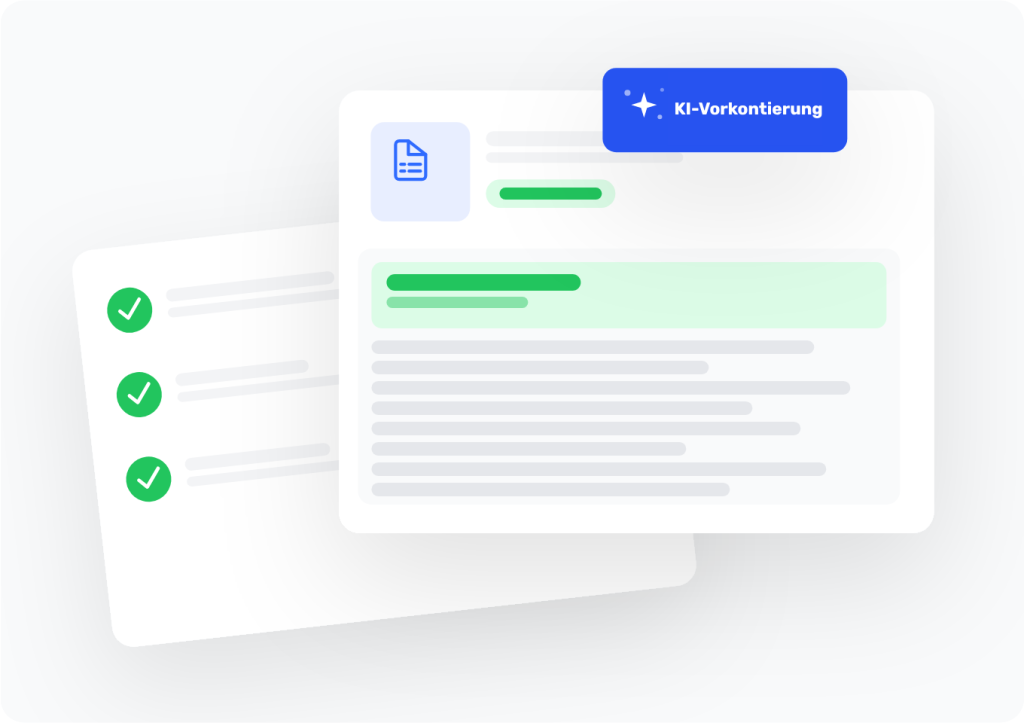
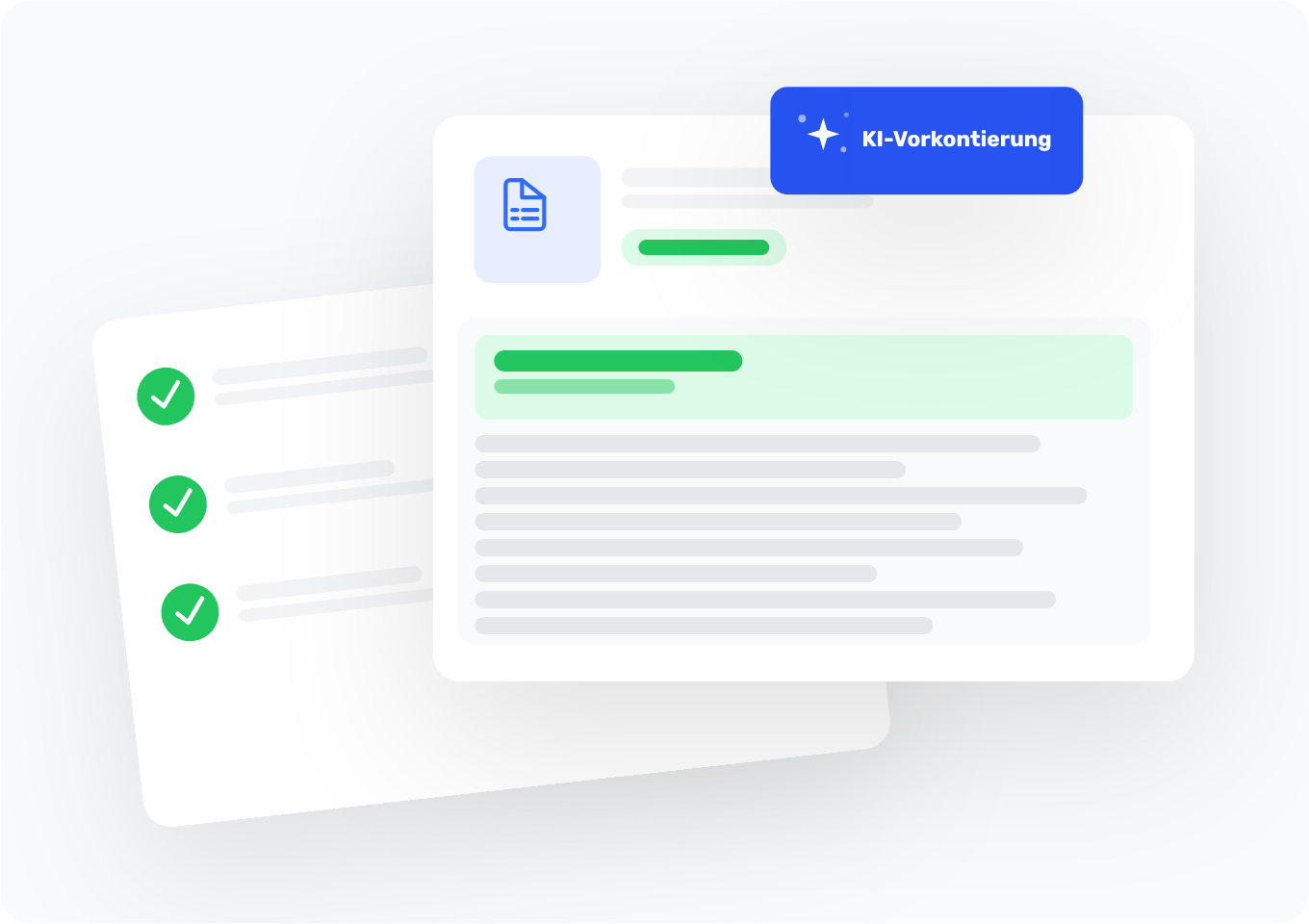
easybill reads your receipts and suggests the right posting—GL account and everyday category in one.
- AI recognizes the business transaction, not just numbers on paper
- SKR03 or SKR04, set up once, applied automatically
- Pre-accounted receipts can be exported directly to DATEV
Trusted by 80,000+ businesses & partners




Your benefits with easybill
AI understands the document, not just the numbers
easybill recognizes that it’s a hosting invoice, not just a number on a PDF. More accurate suggestions, fewer corrections.
Financial accounting language and everyday language in one suggestion
You see “Account 4920” and right next to it “Telephone costs”. Both at a glance—no translation work.
SKR03 or SKR04—choose once
Set your chart of accounts once in the settings. The AI automatically takes this into account for every subsequent receipt.
Confirm with a click, full control
You can review every suggestion and accept it with one click. The AI suggests, you decide.
DATEV export directly from easybill
Pre-posted documents go straight into the DATEV export. Your tax advisor receives clean, pre-recorded data—without any follow-up questions.
No bookkeeping knowledge required
Everyone understands “office equipment”. No one has to google “account 0410”. Book in seconds instead of searching for ages.
Documents the AI really understands
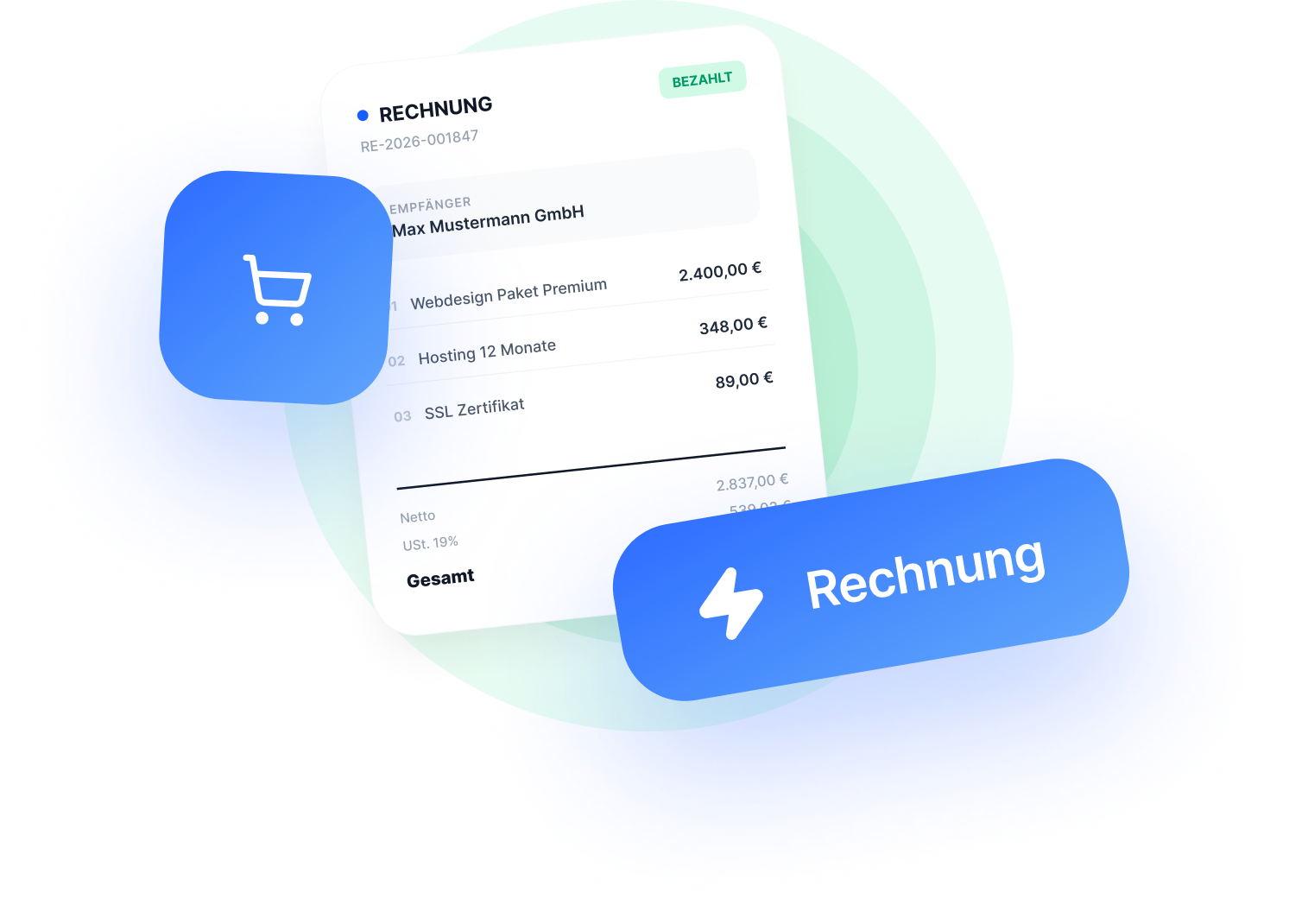
Traditional text recognition reads numbers. easybill understands the context: An invoice from a cloud provider is a hosting invoice. A receipt from an office supplies retailer is office equipment. This classification makes the difference between a suggestion you confirm and one you have to correct.
- Incoming invoices as PDF, photo, or e-invoice (XML, ZUGFeRD) are recognized
- Issuer, recipient, and line items are analyzed
- The booking suggestion is created from the context, not just the amount
G/L account and everyday category together in one suggestion
Not everyone knows “account 4920”. Everyone knows “telephone costs”. easybill shows both so you can understand and categorize the suggestion without having to look up bookkeeping accounts.
- SKR03 or SKR04 depending on the client setting, selected automatically
- Categories in plain language: “travel expenses”, “software licenses”, “office equipment”
- Suggestion can be adjusted, no mandatory acceptance
Pre-posted to your tax advisor with one click
Pre-posted documents go straight into the DATEV export. Your tax advisor receives correctly assigned G/L accounts from the start, instead of unposted files they have to rework.
- Correct G/L accounts from the start
- Less rework and fewer follow-up questions from your tax advisor
- Fast handover, more time for strategic advice
What this means for tax advisors
Clients who pre-code save the tax advisor time. Instead of “What was this again?”, there’s more room for advice. The same applies to the customer: clean receipts mean fewer follow-up questions, less waiting time, and faster closings.
- Fewer follow-up questions when handing over clients
- DATEV-ready entries directly from easybill
- Client satisfaction increases when the advisory part becomes bigger than the follow-up work
How to set up automatic pre-coding
-
Basic settings
Set the chart of accounts once
Go to Settings, then G/L accounts for exports and select SKR03 or SKR04. From now on, the AI uses your chart of accounts automatically for every receipt.
-
Scan and AI receipt recognition
Upload a receipt and get a suggestion
Upload your PDF, your photo, or your e-invoice. easybill’s AI analyzes the receipt in seconds and shows you the G/L account and category as a suggestion.
-
Approval & export
Confirm and enable for DATEV
Review the suggestion, adjust it if needed, and confirm with a click. The receipt is then ready for DATEV export right away.
Classic text recognition vs. AI pre-accounting
| Classic OCR | easybill | |
| Document recognition | Extract values | Understand the business transaction |
| Posting suggestion | No or manual | Yes, automatic |
| General ledger account SKR03/SKR04 | Enter manually | Suggested automatically |
| Category in everyday language | No | Yes, e.g. „Office equipment” |
| DATEV export | Manual | Directly integrated |
| Accounting knowledge required | Yes | No |
Frequently asked questions & answers
Pre-accounting means assigning the appropriate general ledger account to each document before handing it over to your tax advisor. This speeds up bookkeeping and reduces queries. easybill does this automatically for you using AI suggestions.
No. You set once in the settings which chart of accounts your tax advisor uses. After that, easybill handles it automatically. You’ll see the account number in the suggestion, but you don’t need to know or enter it.
You confirm each suggestion individually. If a suggestion doesn’t fit, you change it before confirming. The AI makes suggestions—you have the final say.
Yes. easybill processes PDFs, photos, and e-invoices in the XRechnung and ZUGFeRD formats. The pre-accounting suggestion is created for all document types.
Confirmed documents are available directly in the DATEV export. Your tax advisor can import them with the correct general ledger accounts, without having to rework anything manually.