
Create invoices with Claude & Co.: your MCP connector for easybill
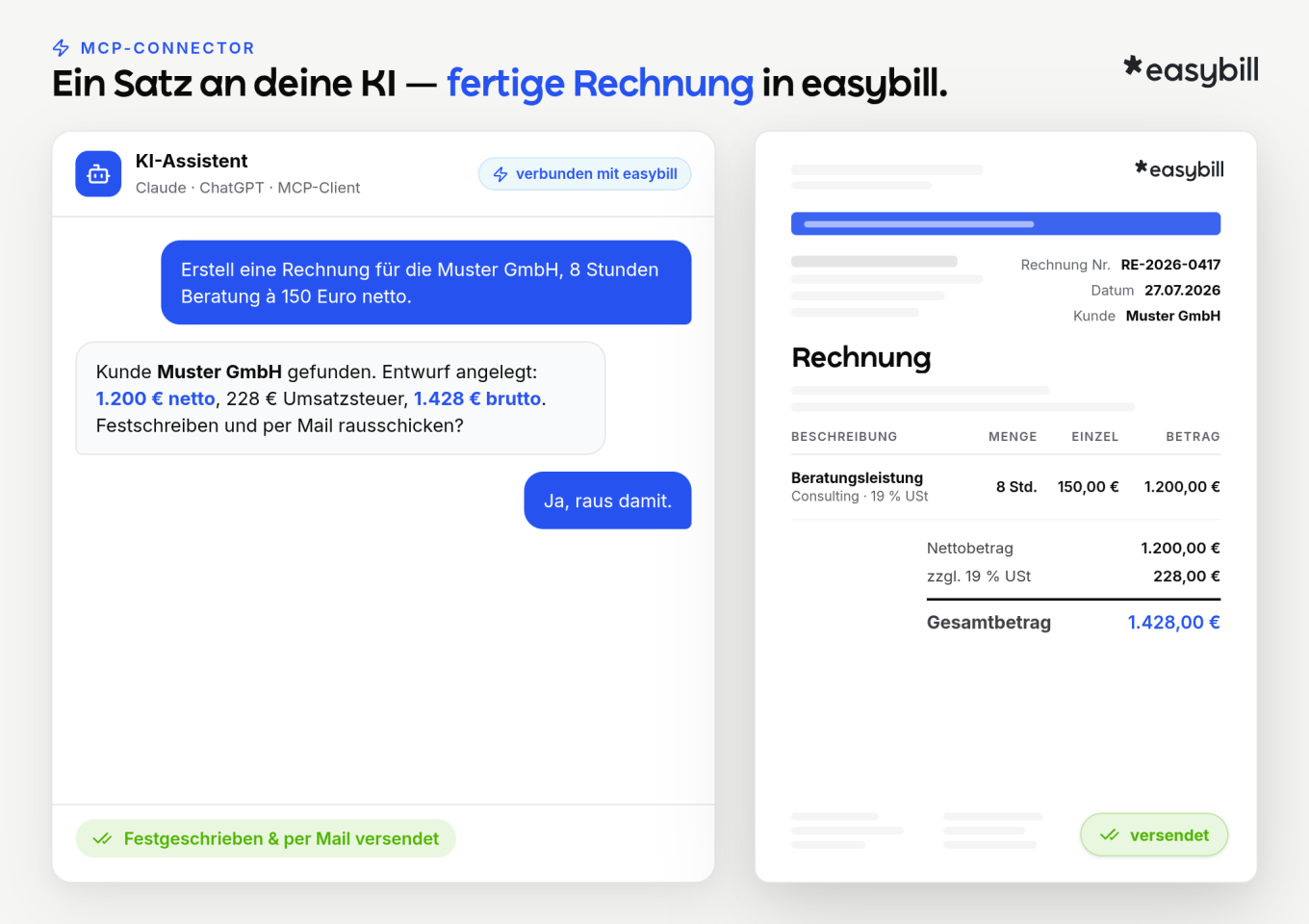
The easybill MCP connector connects your AI assistant, Claude or any MCP-capable client, to your easybill account. You chat with the AI; the invoice, quote, or credit note is created directly in easybill.
- A single sentence in the chat becomes an invoice
- GoBD-compliant: You receive a draft; it is not finalized until you say “Yes”
- Your data stays in your easybill account
Trusted by 80,000+ companies & partners





Your benefits with easybill
From sentence to invoice
Describe informally what you need. The assistant turns it into a draft invoice with the relevant line items, which you then only need to approve.
Draft first, your “Yes” decides
The assistant always creates a draft first. It is not finalized until you approve it; only then does easybill assign the invoice number, and the document is unchangeable.
E-invoicing included
If you want, invoices are created directly as XRechnung or ZUGFeRD.
German tax reality
Small business scheme (Kleinunternehmerregelung), Reverse Charge, intra-Community supply (innergemeinschaftliche Lieferung): the tax options are available to the assistant and are shown correctly.
From quote to payment in the dialogue
Convert a quote into an invoice, send it, record payment, and, if needed, trigger a payment reminder or dunning notice. You handle the entire chain in chat.
Your data stays in your account
The assistant works via the official API in your own account: same login, same permissions, no data export to third parties.
Have documents created from an informal description
Invoice, quote, order, credit note: you chat with your AI assistant, and it turns it into a ready-to-use draft in easybill.
- Customer and payment terms come from your existing data
- Also possible from external sources, e.g., “turn this email into a quote”
- Line items, quantities, and amounts appear immediately in the draft
From quote to paid invoice, everything in chat
Quote accepted? “Turn it into an invoice.” Line items and terms are carried over automatically.
- Finalize and send the invoice—one sentence is enough
- Trigger a payment reminder or dunning notice if a document remains unpaid
- The entire chain from quote to payment stays in the dialogue
Information and payments from real account data
You write to your AI assistant: “RE-1042 has been paid.” The payment is assigned to the invoice, and your open items are correct again.
- Who still hasn’t paid?
- Which quotes are still open?
- Revenue with customer X this year?
Master data and times under control
Create or edit customers and items, find duplicates: the assistant keeps your records clean.
- Create new customers and items on the fly
- Track down duplicate entries
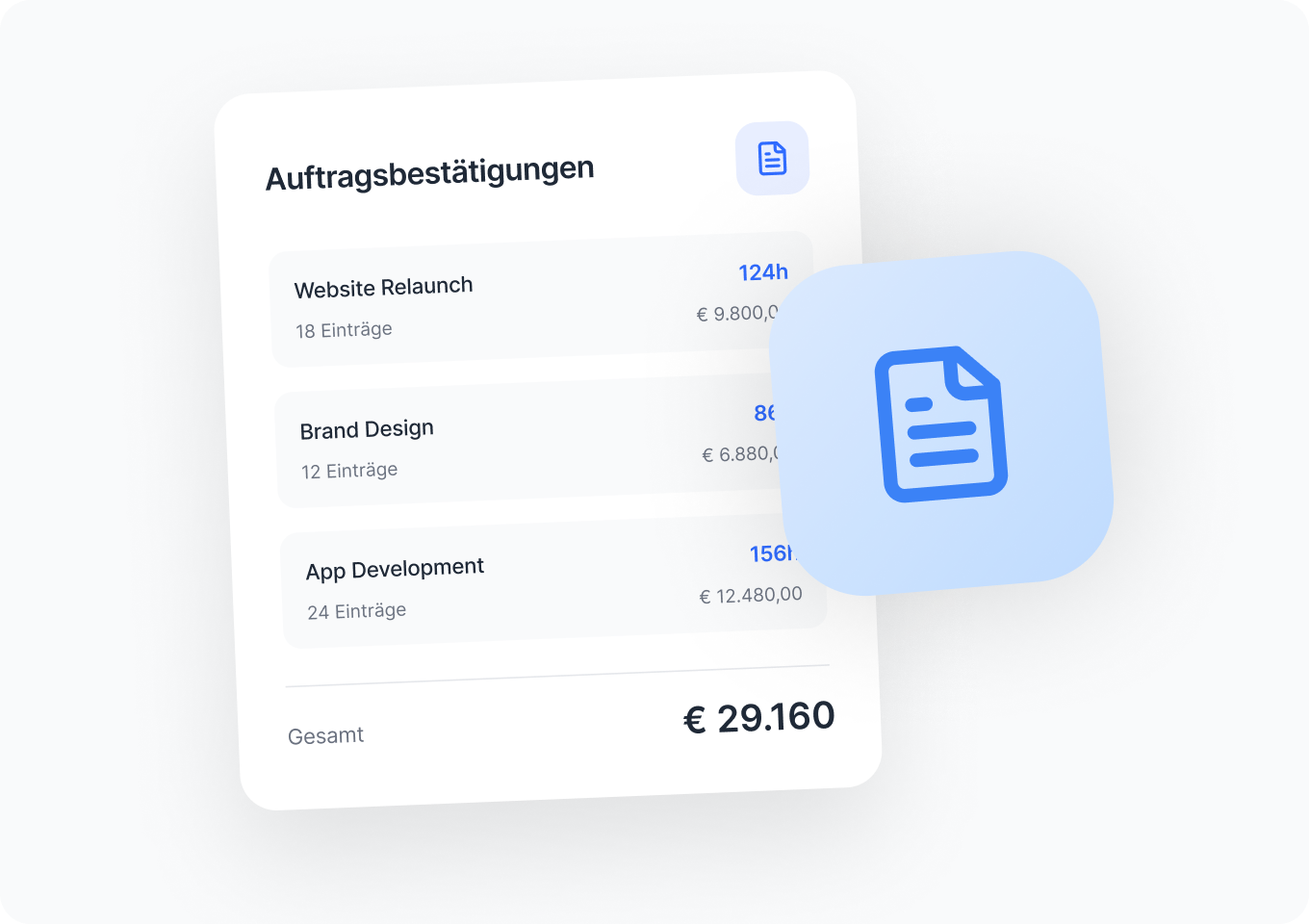
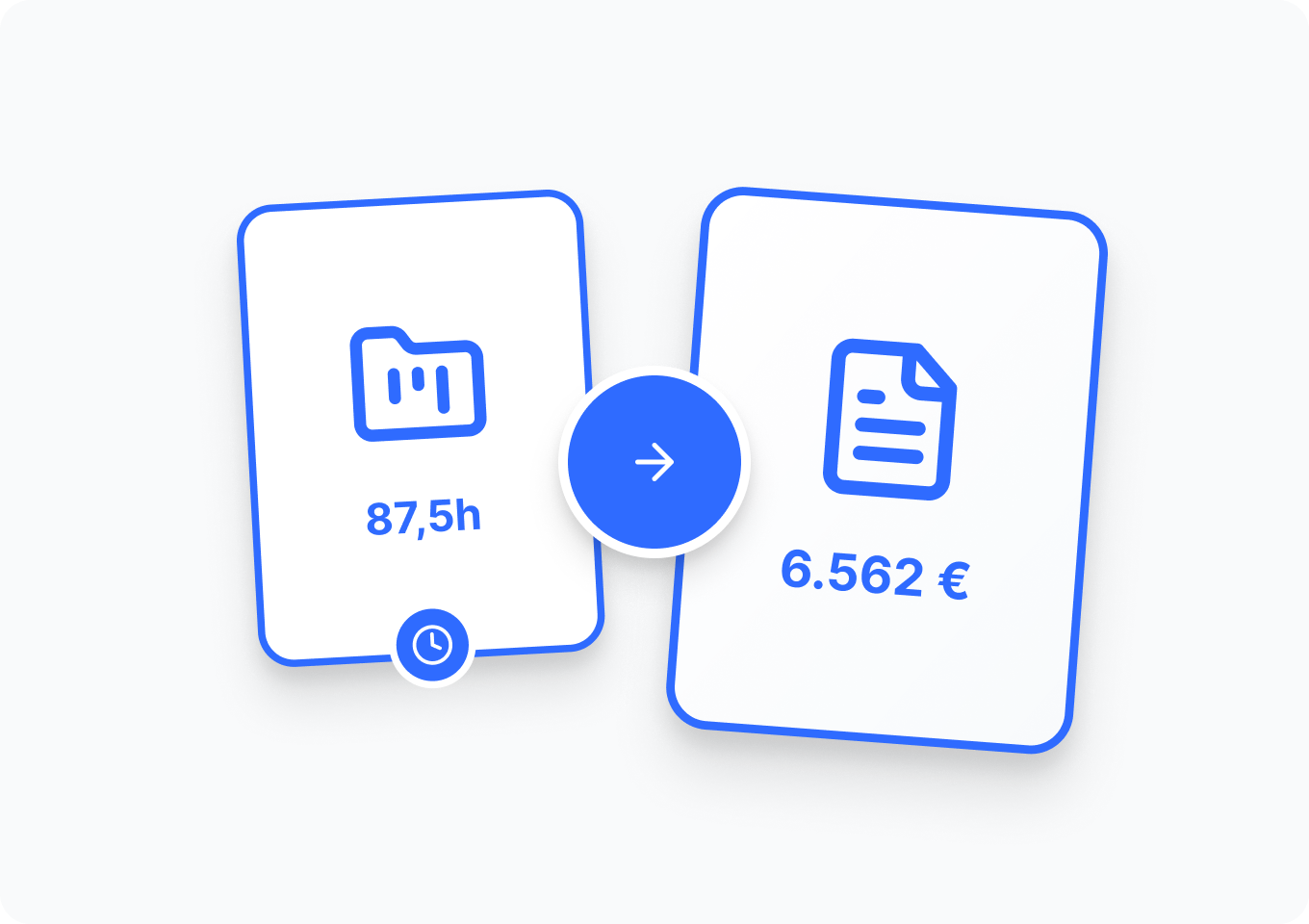
- For freelancers and agencies: you write “Invoice all open hours from project X,” and recorded times become a draft invoice
- Create and delete projects, assign documents to the project directly or later on
Send via email or by mail
Finished documents are sent by email or as a letter via easybill postal delivery, optionally as registered mail.
- Email sending directly from the chat
- Physical letter for recipients without a digital invoicing channel
- One sentence in the chat, one stamped letter with your customer
easybill reviews
Our customers love us
Frequently Asked Questions & Answers
An integration that lets your AI assistant operate your easybill account. Technically, it runs via MCP, an open standard that lets assistants such as Claude or ChatGPT control external programs.
Claude and any MCP-capable client.
No. The tax and GoBD logic is built into easybill. The assistant uses the API; easybill assigns the amounts and the number range.
Yes. The assistant creates a draft; it is only posted after your approval. Then the document is unchangeable and carries a consecutive invoice number from your account.
Yes—if desired, directly as an XRechnung or ZUGFeRD.
No. Posting and sending require your explicit “yes”.
Yes, the assistant works in your own account via revocable access. Your data does not leave easybill and is not shared with third parties.