Capture receipts with easybill
With easybill, you can not only create your outgoing invoices, you can also capture your incoming invoices and receipts directly in the software and collect them for your tax advisor.
- Easy receipt capture: Capture receipts in just a few steps
- Receipt editor: Upload and process
- OCR text recognition for optimized processes
Trusted by 80,000+ companies & partners




Your benefits with easybill
Efficient receipt capture
Save time and reduce errors through automatic data capture of your receipts.
Everything at a glance
Keep track of open and processed receipts at all times, centrally in one place.
Ready for e-invoicing
Receive and process e-invoices directly and meet the legal requirements.
Manual receipt capture: Upload paper and PDF files directly
Capture your receipts by uploading paper and PDF documents directly from your computer. With easybill, this process is simple and straightforward: select the relevant files and upload them directly into the application.
If no receipt image is available or nothing can be analyzed via OCR text recognition, you can also simply enter the relevant receipt data manually in the application. This keeps your accounting always up to date and accurate.
- Upload of PDF, JPG, and PNG files: Upload receipts in these formats directly from your computer. Thanks to easybill’s OCR technology, the data is automatically read and captured without requiring manual entry.
- Processing XML files (e-invoices): You can also upload e-invoices in XML format. They are automatically recognized and the included data is transferred directly into the application.
Receive receipts by email: Convenient and flexible
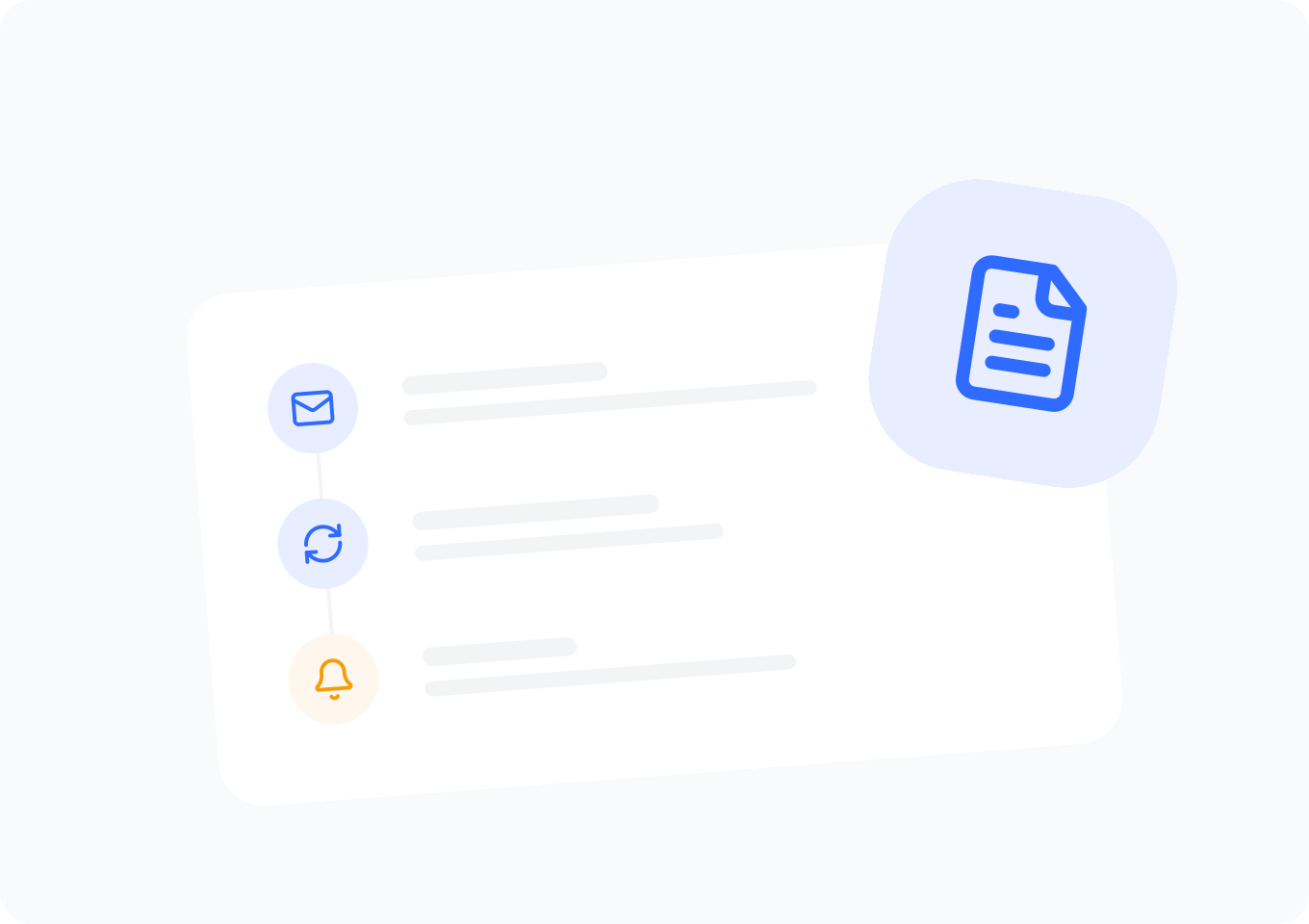
With easybill, you can easily set up a dedicated email address. Forward your receipts from any email address or provide your easybill email address directly to invoice issuers. This way, all relevant documents go straight into your easybill account and are immediately ready for processing.
As soon as an invoice is sent to your easybill email address, you can view and process it in easybill.
- Setting up easybill email addresses: Create as many easybill email addresses as you like, e.g., for each shop or supplier. This enables clear assignment and organization of incoming receipts.
- Employee assignment: Decide which employee the respective receipts are assigned to. This ensures structured and targeted processing of the documents.
- Permission assignment: Define which employees can view or edit the respective receipts. This ensures that everyone can access only the information relevant to them, increasing the security and efficiency of your workflows.
Receiving e-invoices
From 2025, the legal obligation to receive e-invoices will apply. With the easybill receipt capture software you can manage e-invoices with ease.
- Upload e-invoices either as .xml (XRechnung) or as .pdf with embedded XML (ZUGFeRD), or receive them directly via your easybill email address.
- Easy handling of electronic invoices.
- Incoming and outgoing e-invoices in the same software.
Receipt editor
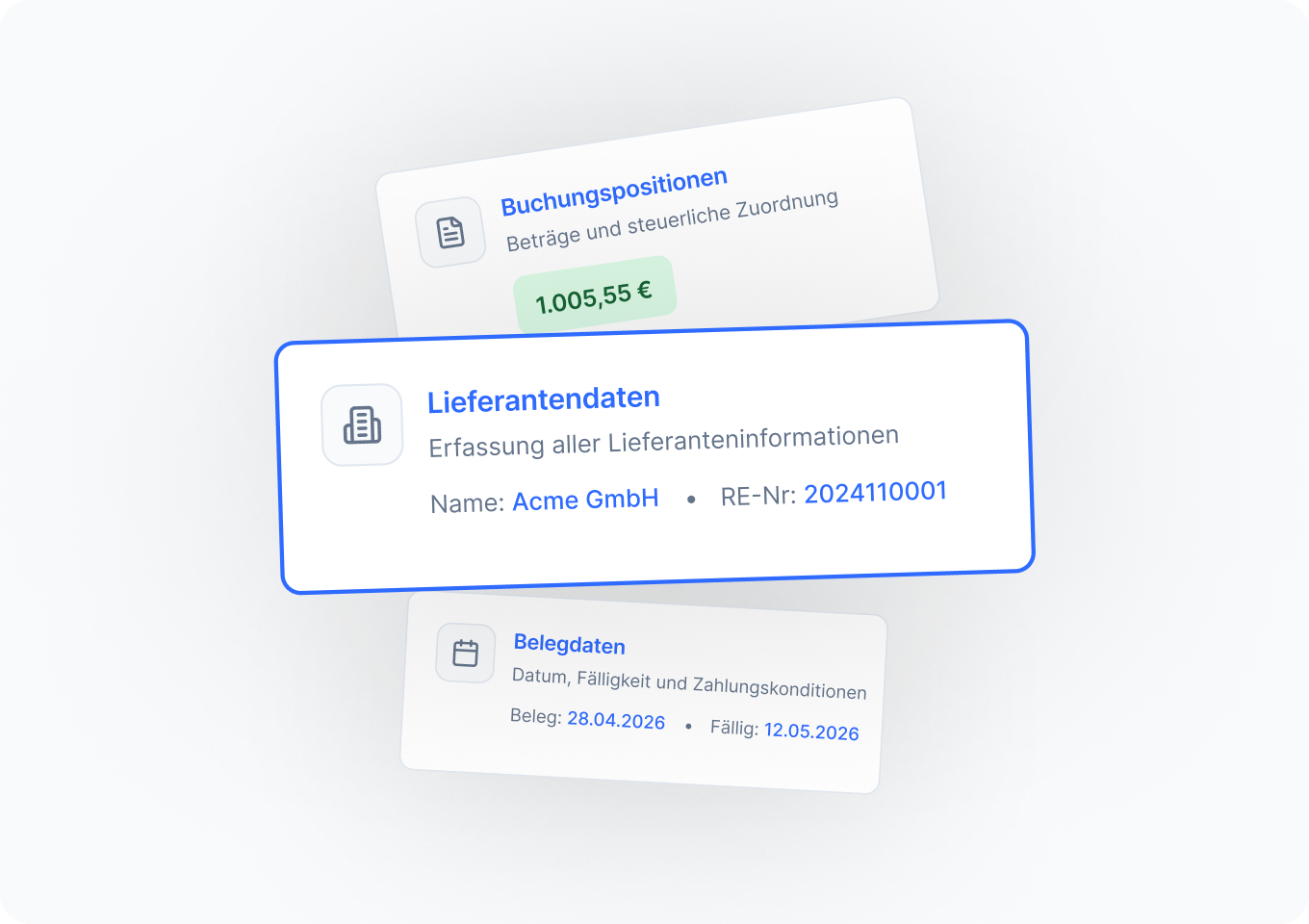
With the easybill receipt editor, you can upload any number of receipts and/or receive them by email. On the left you see the receipt image and on the right the extracted information.
For “normal” receipts (non e-invoices), each receipt is read via OCR, so you no longer need to enter anything manually – all relevant information such as invoice number, due date, amounts, and VAT is captured.
- Automatic extraction of all relevant receipt data (PDF & e-invoice)
- Creation of a receipt image even without a receipt image (e.g., XRechnung)
- Clear presentation and flexible download of receipts
Frequently Asked Questions & Answers
Everything you need to know about switching and e-invoicing.
Digital receipt capture in easybill allows you to record your receipts efficiently and easily. You can upload paper and PDF documents directly, process e-invoices in XML format, and receive receipts by email. Thanks to OCR technology, the data is automatically read and integrated into your accounting. This saves time and reduces errors in receipt management.
Digital receipt capture is important for companies because it increases efficiency, reduces errors, and saves time. By digitally capturing and processing data, accounting is simplified and sped up. With easybill, you are also well prepared for the legal obligation to use e-invoicing, saving you additional effort and possible penalties.
There are various e-invoicing software solutions that can create and receive e-invoices, including dedicated e-invoicing software as well as ERP systems with e-invoicing modules. easybill is an e-invoicing champion and makes it much easier for you to create and receive e-invoices.
E-invoices are mandatory in order to digitize and standardize the invoicing process. This improves efficiency, reduces costs and errors, and supports environmental protection by reducing paper use.
With easybill, you can capture various types of receipts digitally, including paper receipts, PDF files, e-invoices in XML format (e.g., XRechnung, ZUGFeRD), and images in JPG and PNG format. You can either upload these receipts manually or receive them by email, and the relevant data is automatically read and processed.
easybill reviews
Our customers love us