
Process and ship Temu orders automatically
Connect your Temu shop to easybill for efficient invoice processing.
- Retrieve orders automatically
- Create delivery notes and shipping labels effortlessly
- Import invoice copies for your accounting

Safely record Temu sales: Your advantage as a retailer
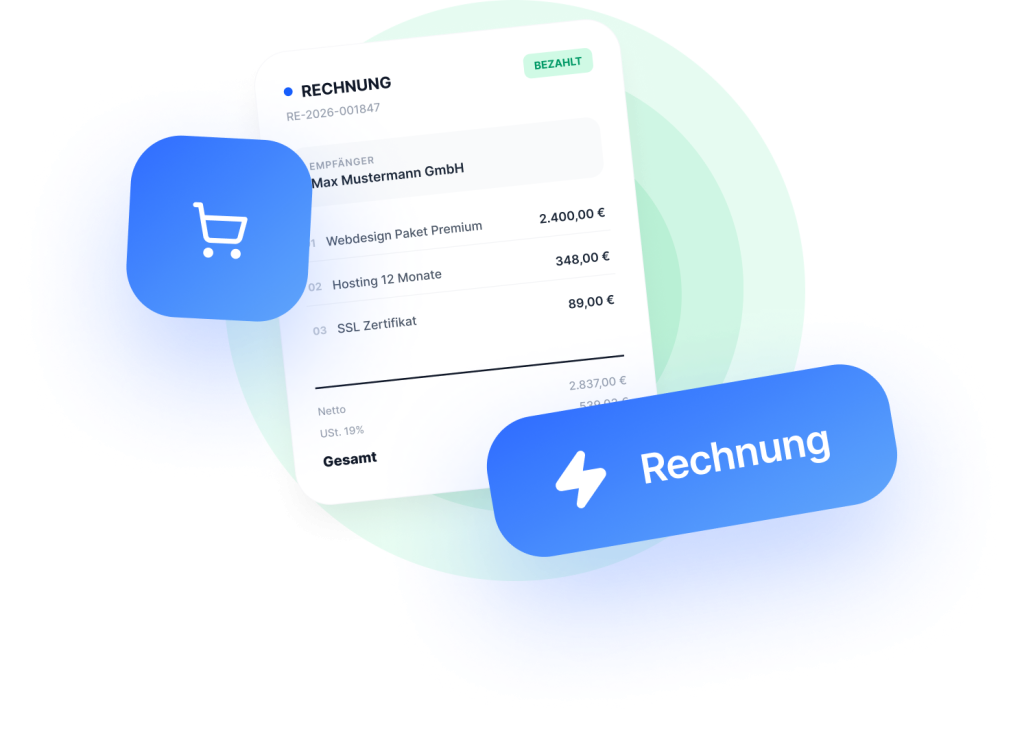
Even if Temu handles invoicing the customer (self-billing), you still need complete documentation for your accounting and the tax office. Sounds complicated? Not with easybill! Our software automatically creates GoBD-compliant invoice copies for your internal records. This keeps your revenue properly recorded—without you accidentally sending duplicate invoices to customers.
- Automate sales processes: Your Temu orders are imported fully automatically and can be processed efficiently
- Manage fulfillment professionally: Create shipping labels and delivery notes directly from the order.
- Take care of the paperwork in the background: While you sell, easybill automatically generates invoice copies for your records.
Shipping details are automatically sent to Temu
On Temu, you are required to provide your customers with a tracking link. easybill Connect takes care of this for you: As soon as you create the shipping label, the tracking number is automatically sent to Temu. Temu then notifies the customer that the order has been shipped and displays the tracking link in the order history.
- No manual entry in Seller Center: Shipping details are automatically sent to Temu, so you no longer need to enter tracking numbers manually.
- Multiple packages per order are supported: If an order is shipped in two or three packages, Connect reports each shipment individually.
- Six shipping carriers supported: DHL, DPD, Deutsche Post, GLS, Hermes, and UPS.
Handle Temu orders professionally
-
Create an account
Create your easybill account and try it free for 7 days. No payment details required!
-
Connect Temu
Connect easybill to your Temu marketplace via the interface.
-
Import orders automatically
Get started right away! Automatically import your Temu orders and create delivery notes, shipping labels, and invoice copies from them.
What advantages does easybill offer as invoicing software for Temu?
- Seamless handover to your tax advisor: Make your tax advisor happy: Simply transfer all Temu booking data to the firm via the DATEV Data Service. No more manual Excel exports or “Pendelordner” transfers.
- Strengthen your brand presence: Use custom document templates with logo, corporate colors, and personalized texts. This way, every customer touchpoint leaves a professional impression of your brand.
- Shipping management directly in easybill Connect: Create shipping labels directly in Connect for DHL, DPD, Deutsche Post, GLS, and Hermes; for UPS, a WorldShip export is available. This saves time and reduces the risk of errors.
Import Temu orders for free now!
FAQ
Frequently asked questions
about easybill and Temu
Connecting Temu with easybill is very simple:
– Open easybill Connect and select “Temu” in the settings.
– Log in there with your credentials and grant easybill the necessary permissions to retrieve your sales data.
– Accept the terms of use and complete the process by clicking “Authorize”.
That’s it! From now on, easybill will automatically import your Temu orders. The entire setup only takes a few minutes. You can find detailed instructions in our Help Center.
easybill automatically generates Temu invoice copies that include a clear overview of the purchased items and costs. In addition, you can customize the layout and design of the Documents to match your brand.
You have complete creative freedom: Adapt the layout, design, and content of your documents to your branding. Add your logo, company details, or custom texts to ensure a consistent brand presence.
easybill reviews
Our customers love us
What is Temu?
Sell your products on Temu – simple, fast, and with great reach.
Temu is a rapidly growing online marketplace where you can showcase your products to millions of buyers. Unlike traditional online shops, Temu combines enormous reach with low prices. This lets you enter international e-commerce quickly and easily.
Instead of mapping every process yourself, Temu takes care of many things for you, from customer access to payment processing. You focus on selling while the platform helps you reach new target groups and increase your visibility.
- Access to an international buyer community
- Easy start without your own online shop
- Marketing and payment processing directly via Temu