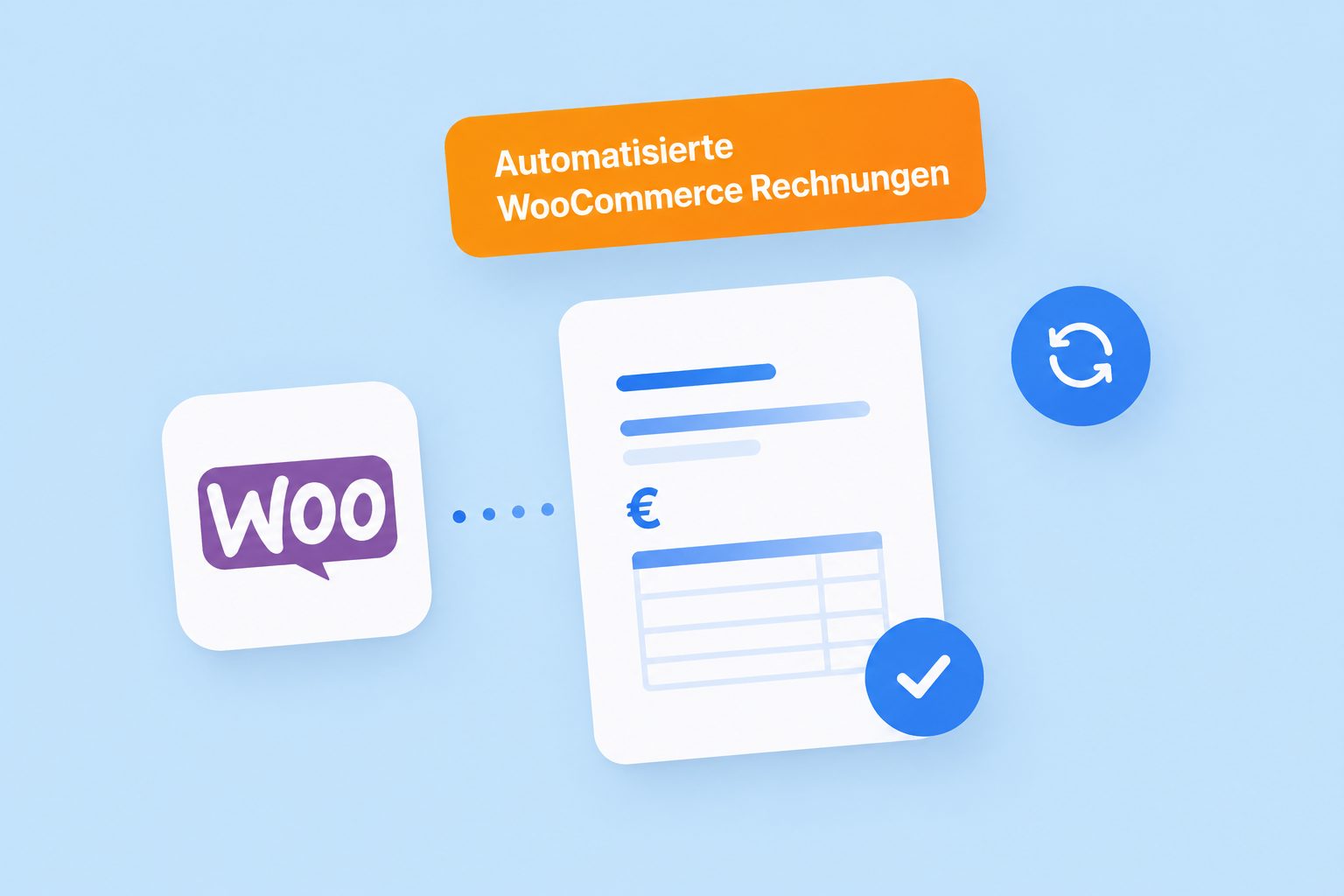
Automated WooCommerce Invoices
Connect easybill with your WooCommerce shop for effortless invoice processing.
- Professional and GoBD-compliant invoices
- Time-saving and efficient solution for WooCommerce online shop operators
- Seamless and smooth invoicing process
Optimize your WooCommerce sales with easybill
GoBD-compliant & legally compliant:
Automatically generated invoices include all mandatory details – incl. mandatory e-invoicing.
Full automation:
Orders from WooCommerce are imported automatically, invoices are sent.
Professional image:
Thanks to consistent, legally compliant documents, you increase customer trust.
Professional Create WooCommerce invoices with easybill
-
Create an account
Create your easybill account and try it free for 14 days. No payment details required!
-
Connect WooCommerce shop
Connect easybill with your WooCommerce shop as well as various marketplaces such as eBay, Amazon, Kaufland & Co. and import your orders.
-
Get started
Whether manually or automatically: you can get started right away and import orders, create invoices, or print shipping labels.
What is WooCommerce?
WooCommerce is a free plugin for your WordPress site. This allows you to turn a simple website into a complete e-commerce platform. With the help of WooCommerce, WordPress can be used as a classic online shop and you can sell a wide variety of services, membership areas, or online courses.
Thanks to the predefined content, you can easily design your own shop without any technical prior knowledge. Choose from different designs and create the content at the prices stated on the website.

- Free plugin for WordPress
- Unlimited products
- Extensions for marketing, SEO, and payment options
What do you need to connect?
What payment methods are available for your WooCommerce shop?
- PayPal
- All major credit and debit cards
- Additional payment methods via plugins and extensions
How does the WooCommerce interface work? Explained simply & quickly!
easybill via video: tutorials, interviews, and more about your account on easybillTV
40+ integrations
from marketplaces and online shops









What benefits does easybill offer for WooCommerce online shops?
- Showcase your brand: Customize your WooCommerce invoices with your own logo.
- Minimize the risk of tax errors on your invoices.
- Automate your invoicing documents thanks to easybill Connect.

Frequently Asked Questions & Answers
Set up a seamless integration between your WooCommerce shop and easybill by installing and configuring the easybill WooCommerce plugin. Test the connection to ensure that products, orders, and invoices are synced correctly. Customize your invoice templates and settings in easybill to automatically create professional WooCommerce invoices. By following these steps, you streamline your invoicing process and save time and effort managing your WooCommerce shop invoices.
To be able to test all features, our 7-day free trial period always includes the Premium plan.
At easybill, your data is in the best hands. It is stored exclusively on servers in Germany and protected by modern encryption standards . As an additional safeguard, two-factor authentication (2FA) is available to you.
easybill automatically generates professional invoices that include a clear overview of the items purchased and the costs. In addition, you can customize the layout and design of the invoices to match your brand.
You have complete design freedom: tailor the layout, design, and content of your invoices to your branding. Add your logo, company details, or custom texts to ensure a consistent brand presence.
At easybill, we want to offer you full transparency and control over your costs. Please note that you must book the shipping credit separately and actively. You can find costs for archiving, additional employee accounts, and finAPI transactions in the price overview.