Invoicing software comparison: easybill or Lexware Office?
Find the invoicing software that fits your requirements.
- Complete invoice management in one program
- Foreign currencies & multilingual documents
- Free personal setup service
Trusted by 80,000+ companies & partners



Functions compared
easybill and Lexware Office are both invoicing programs, but they differ in terms of usability and range of features. Our comparison shows which solution is a better fit for your requirements.
| Features | easybill | Lexware Office |
|---|---|---|
| Create invoices | ✔ | ✔ |
| Receive e-invoices | ✔ | ✔ |
| Send e-invoices | ✔ | from package M |
| Automated dunning | ✔ | ✘ |
| Recurring documents | ✔ | only in the highest package |
| Foreign-language documents | in all packages | only in the highest package |
| Foreign currencies | ✔ | ✘ |
| Free package available | ✔ | ✘ |
| Pre-accounting (preparatory bookkeeping) | ✔ | ✔ |
| Statistics and reports | in all packages | only in the highest package |
| Project management with time tracking | ✔ | only via interface |
| Debt collection interface (mediaFinanz) | ✔ | ✘ |
| Comprehensive solution for online retailers | ✔ | ✘ |
| Unlimited archiving of documents | ✔ | ✘ |
easybill offers more: The best tool for invoice management
and automation
- Unbeatable for invoicing: E-invoices, recurring documents, tax advisor portal—everything from a single source. Of course GoBD-compliant.
- Perfect for online retailers: Automatic invoice generation for Amazon, eBay, Shopify & Co.—the best solution for e-commerce.
- Accurate numbers, zero errors: Smart validation mechanisms and clear overviews ensure absolute data security.
- GoBD-compliant archiving: All documents archived in a legally compliant and long-term manner—compliance guaranteed.
- Maximum stability: System availability of over 99% for smooth day-to-day work.
- Free onboarding: Our support team helps you set up your account for an even faster start with easybill.
- Smooth switching process: Switching from other software solutions is easy, including seamless integration of your existing customer data.
Switch to easybill today!
Try easybill for 7 days with absolutely no obligation. Join the thousands of satisfied customers and start your free trial today. It’s time to give your business the upgrade it deserves! No credit card required.
easybill and Lexware Office: invoicing and accounting combined
With the direct interface between easybill and Lexware Office, you combine the advantages of both systems—professional invoice creation with comprehensive accounting.
- Create invoices in easybill: Create professional invoices, as an online retailer use the benefits of easybill Connect (formerly Import Manager), and benefit from practical automation in the invoicing process or dunning.
- Data transfer via interface: Transfer invoices, credit notes, and cancellations directly to Lexware Office. The corresponding incoming payments can be matched there.
- Accounting in Lexware Office: Use the functions of Lexware Office for your annual financial statements.
Other easybill features at a glance
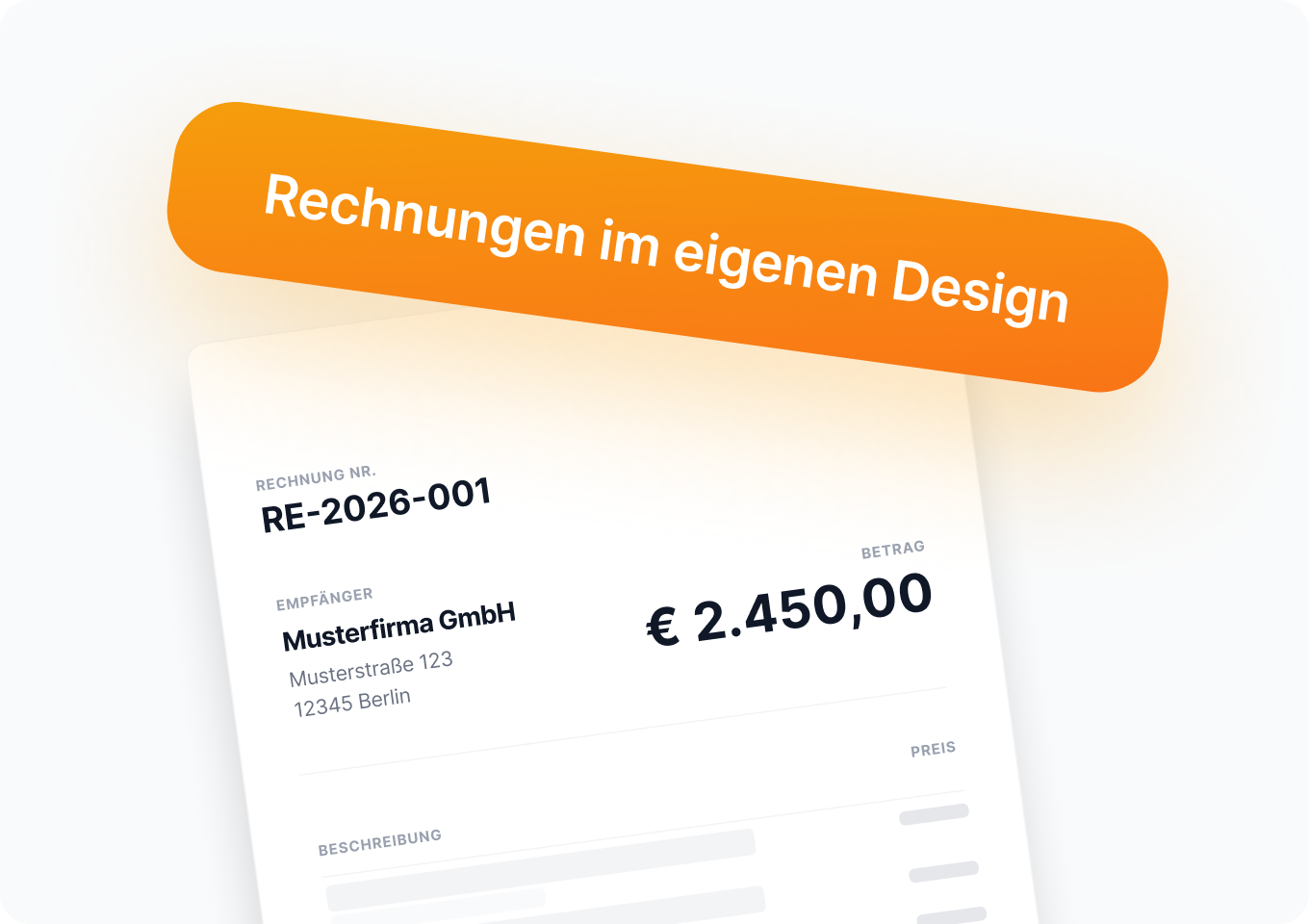
Automation
Automatable invoice management with recurring invoices and automated dunning.
Incoming documents
With easybill, you capture incoming invoices and receipts without manual entry, which saves time and reduces errors.
E-invoices
As of January 2025, the first stage of the mandatory e-invoicing requirement will apply. With easybill, you can easily create, receive, and process e-invoices.
DATEV interface
Via the DATEV interface, you can quickly and easily transfer invoices and receipts to your tax advisor.
Imports for e-commerce
Easy import of order data from more than 40 online shops and marketplaces for automated invoicing.
API
With the open REST interface, you can seamlessly connect your invoicing software to your own tools and systems.
Personal setup service for a perfect start with easybill
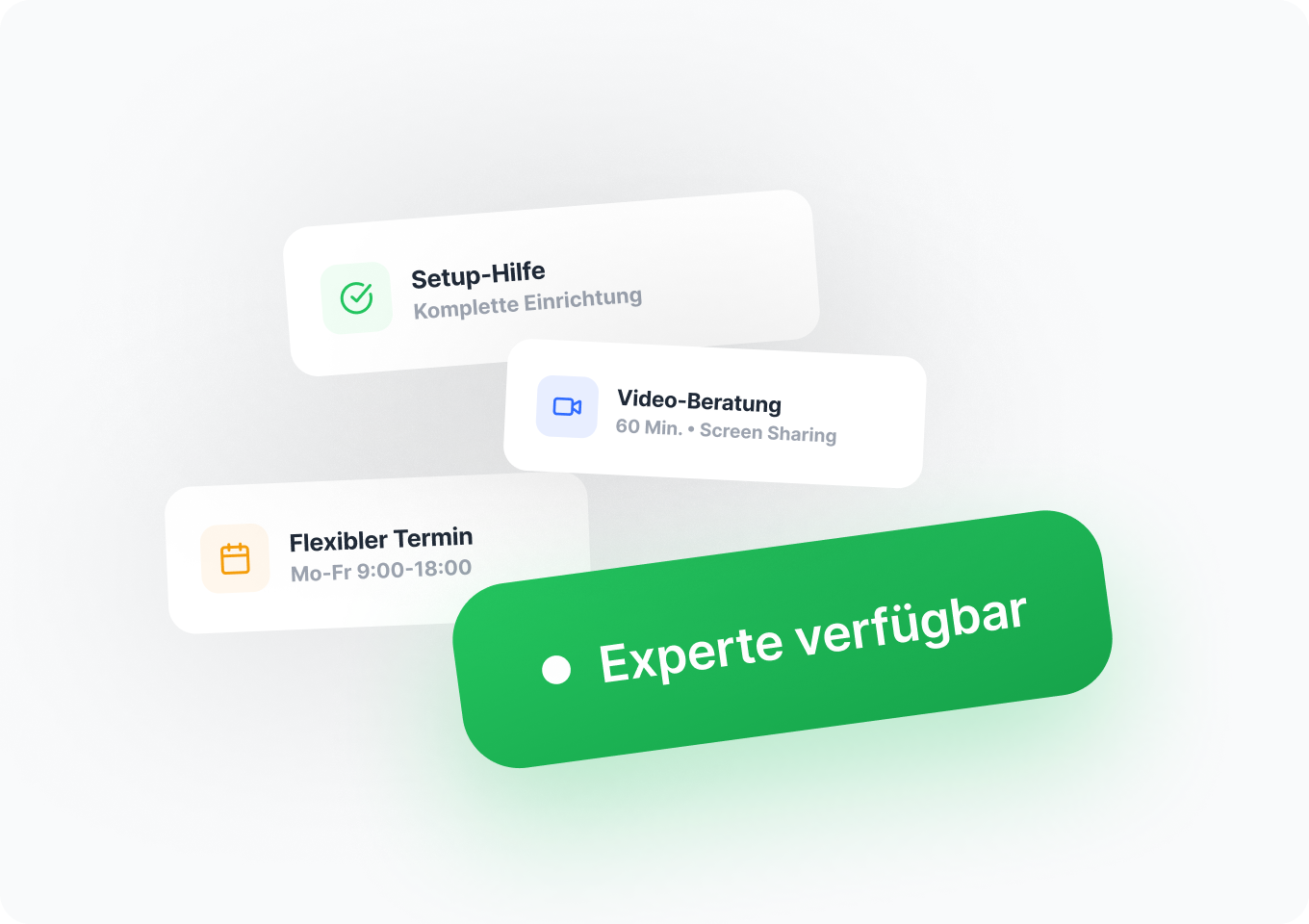
In a personal session, our expert from the Customer Success Team will show you step by step how to use easybill optimally. Together, you will set up your account and clarify any open questions.
- Personal onboarding, tailored to your individual needs
- Help switching from other invoicing programs
- Ongoing free support, even after setup
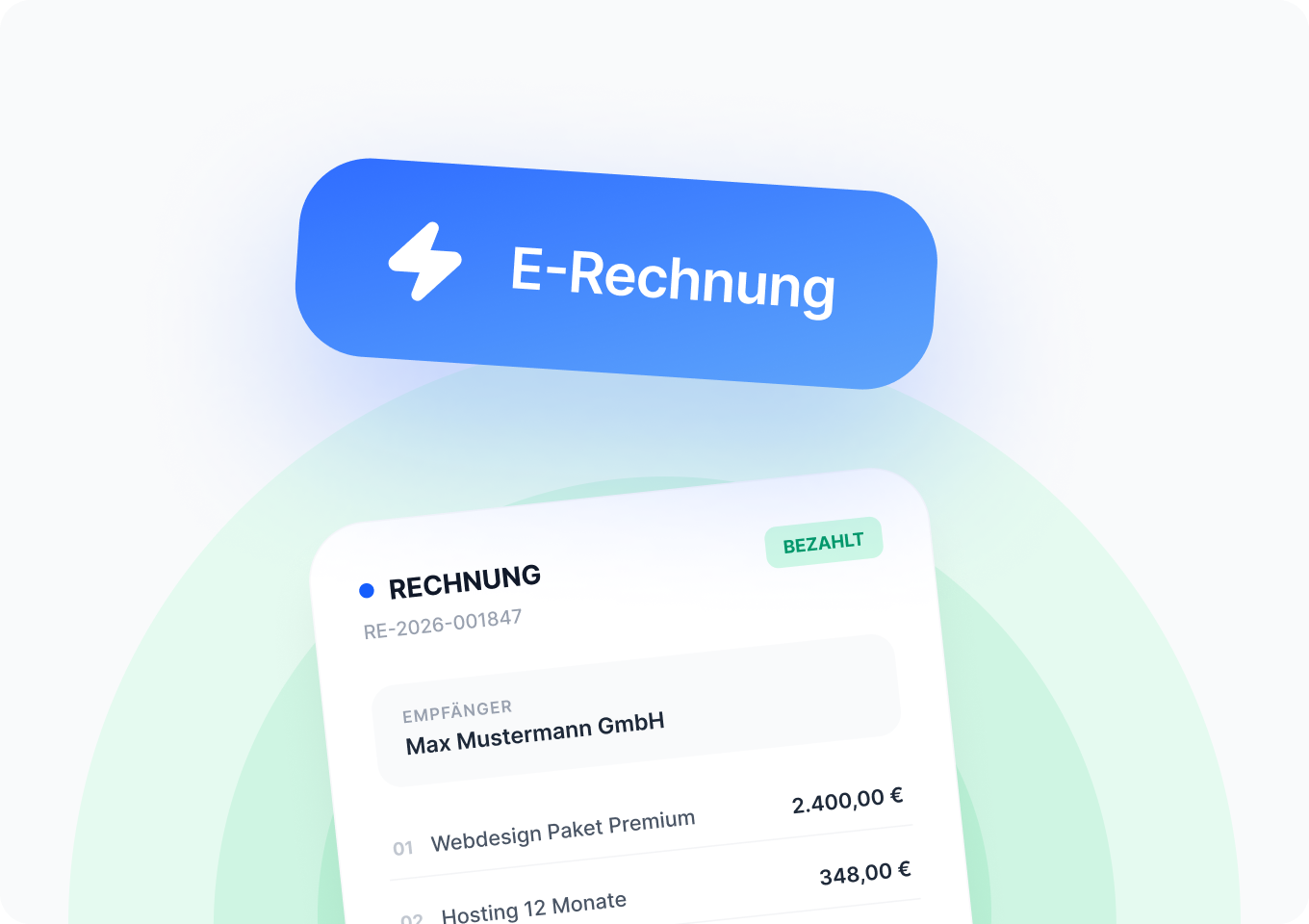
With easybill, you’re ideally prepared for e-invoicing.
The switch to e-invoices has been mandatory for many companies since 2025. easybill makes it easy for you to meet these legal requirements. With support for the ZUGFeRD and XRechnung formats you are well prepared for the future.
- ZUGFeRD combines PDF and XML to make digital and automated invoice processing easier.
- XRechnung: is a pure XML format and is legally required for invoice exchange in the public sector.
Frequently Asked Questions & Answers
Everything you need to know about switching and e-invoicing.
Switching to easybill is easy: Export your data in CSV format from your current invoicing program and import it directly into easybill. Invoice numbers can be continued seamlessly.
easybill offers a 7-day free trial period. There is no need to provide a credit card. After it ends, the free Free plan starts automatically.
Yes, easybill offers integrations for platforms such as Amazon, eBay, Shopify, and many more. Invoices are automatically created for each order. Here you can find an overview of all marketplaces.
easybill offers various features for international trade, such as threshold monitoring, VAT-exempt supplies outside the EU, and freely translatable invoice texts.
To comply with the mandatory e-invoicing requirement, you need software that allows you to receive and process e-invoices in common formats (such as XRechnung and ZUGFeRD). With easybill, you can easily create, send, receive, and process e-invoices.
easybill reviews
Our customers love us