Free invoice template for small businesses
Invoice template without VAT
An invoice template for small businesses is a pre-made document that contains all mandatory details required on an invoice under Section 14 of the German VAT Act (UStG). Small businesses benefit from not having to show VAT as long as they comply with the turnover limits of Section 19 UStG. A suitable template saves time, reduces errors, and ensures a professional appearance.
DOWNLOAD: .docx (Word 2010) | .xlsx (Excel 2010) | .pdf (Adobe Reader)
Important: We would like to point out that business documents created in Word or Excel are not GoBD-compliant .
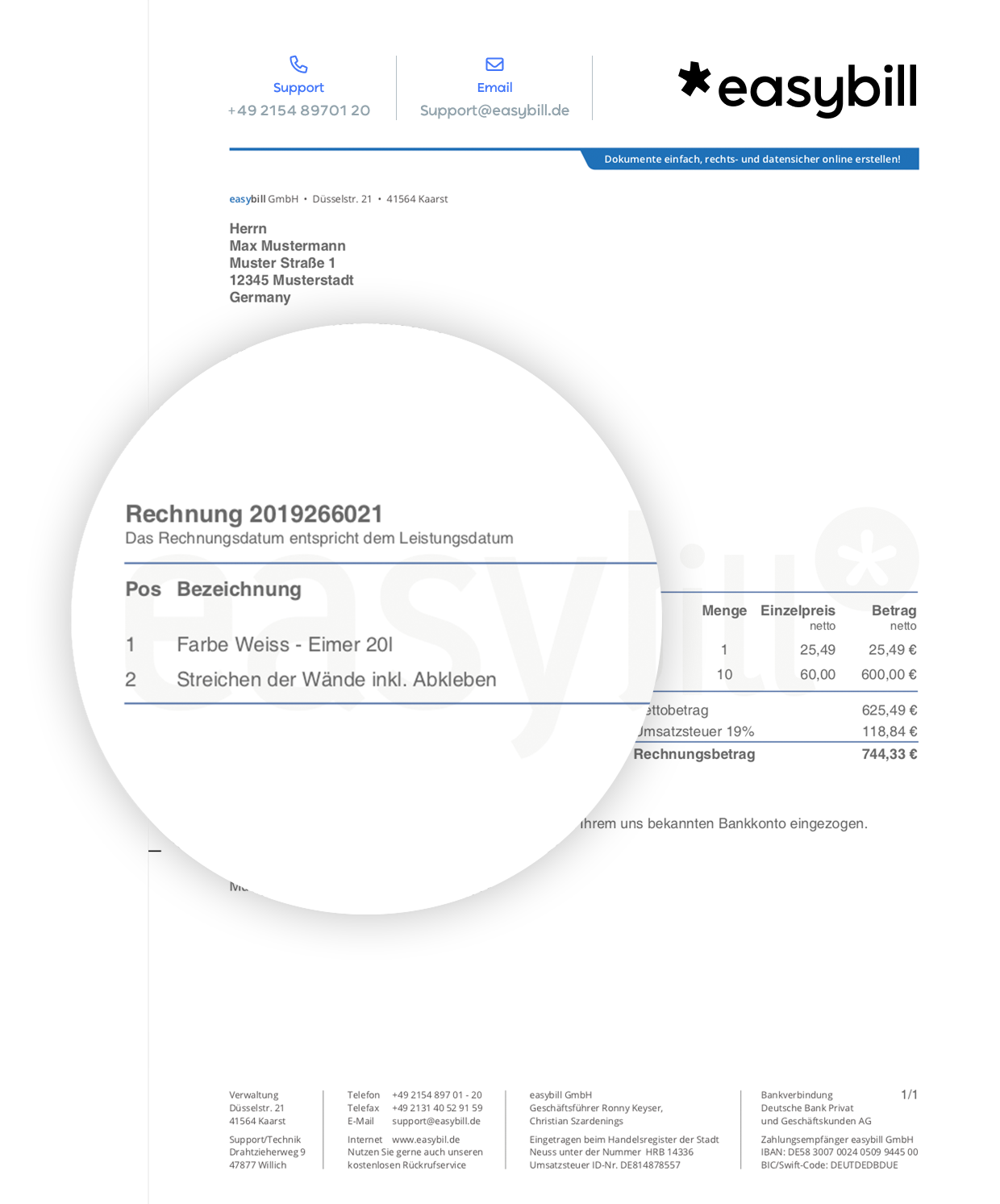
Writing invoices as a small business
Small businesses also have to write proper invoices – regardless of whether it is a one-off service or a regular delivery. In principle, the same mandatory details apply as for other businesses.
The difference: Small businesses may not show VAT on your invoices because they are exempt from VAT. Instead, they must indicate their small business status. Those who do this properly create clarity for their customers and stay on the safe side with the tax office.
Anyone who applies the small business regulation finds invoicing a bit easier than businesses that are liable for VAT.
What mandatory information must a small business invoice contain?
The following information is mandatory:
- Full name and address of the business and the customer
- Date of issue of the invoice
- Sequential invoice number
- Quantity and type of goods supplied or the type and scope of services provided
- Date of service or delivery period
- Net amount of the invoice (since no VAT is shown)
- Note regarding the small business regulation, e.g. “In accordance with § 19 UStG, no VAT is charged.”
Optionally, the bank details or a note on payment terms can be added.
Can I use a simple Word or Excel template for my invoices?
Yes, in theory you can use a Word or Excel template. However, make sure that:
- each invoice number is unique and sequential,
- you don’t forget any mandatory details,
- the file is stored securely and backed up regularly.
However, manually creating invoices is prone to errors and becomes confusing as order volumes grow.
Why should small businesses switch to invoicing software?
Invoicing software offers many advantages over static templates:
- Automatic numbering and archiving: Errors in invoice numbers are avoided, and all documents remain stored in an audit-proof manner.
- Time savings and professionalism: Recurring customer and product data can be stored, and invoices are created with just a few clicks.
- E-invoicing and legal requirements: Since 2025, electronic invoicing (e-invoicing) has increasingly become the standard in the B2B sector. Invoicing software enables legally compliant creation and dispatch in ZUGFeRD or XRechnung format.
- Overview for accounting and tax: All invoices and receipts can be accessed at any time and can be easily exported to the tax advisor.
Especially if you want to grow in the long term, you should switch to a digital solution early on to avoid later changes and data migrations.
Good reasons to use easybill
Definitely no trouble with the tax office
An invoice from easybill always meets the tax office’s formal requirements. Important components are added automatically. In particular, your invoice numbers are assigned automatically. This saves you and your customers stress, hassle, and time. Changes in legislation are always incorporated automatically and free of charge.
No more data loss
With easybill, access to your invoice, all other documents, and customer data is guaranteed at any time and from anywhere. All you need is a computer with an internet connection. Even in the event of a computer crash or another computer problem, your data remains completely intact. We back up your data every second for you!
Save on tax consulting costs
Unlike an invoice template, invoices and credit notes created with easybill can be transferred directly to your tax advisor with just a few clicks. They can easily import your data in a short time. This simplification sustainably reduces the costs of preparing your bookkeeping.
Calculation errors are ruled out
Of course, our invoicing software calculates your invoice total completely automatically. Discounts, cash discounts, or previous partial invoices can also be conveniently taken into account when creating your invoice. Calculation errors in Word or Excel documents are therefore a thing of the past.
No more trips to the post office
If you use a traditional invoice template or quotation template, you can’t avoid going to the post office. However, easybill takes care of this step for you! You can have all documents sent either by post, by fax, or by email—with or without a digital signature. And all at unbeatable prices!
Easily manage customer data
All customer data remains stored for an unlimited period of time. While, when using an invoice template and quotation template, you usually have to open an old document and save it again to retrieve the customer’s address, easybill does this via a convenient database system. This keeps customer data always up to date and allows it to be transferred to new documents in seconds.